Aethera VTT

Animated battle maps, live in the browser

Launch animated maps, drop tokens, manage fog and lighting, and keep the table in one browser session. No launcher install. No mixed public feed. Just the tabletop workflow.

Animated maps Browser tabletop Host + player links
  • Bring video-backed maps into scenes with tokens, walls, notes, and ambient audio.
  • Share one campaign link so players enter the same browser session you host.
  • Move from map setup to live play without switching tools or exposing unrelated content.

Best for browser-first fantasy campaigns, animated battlemaps, and media-heavy GM prep.
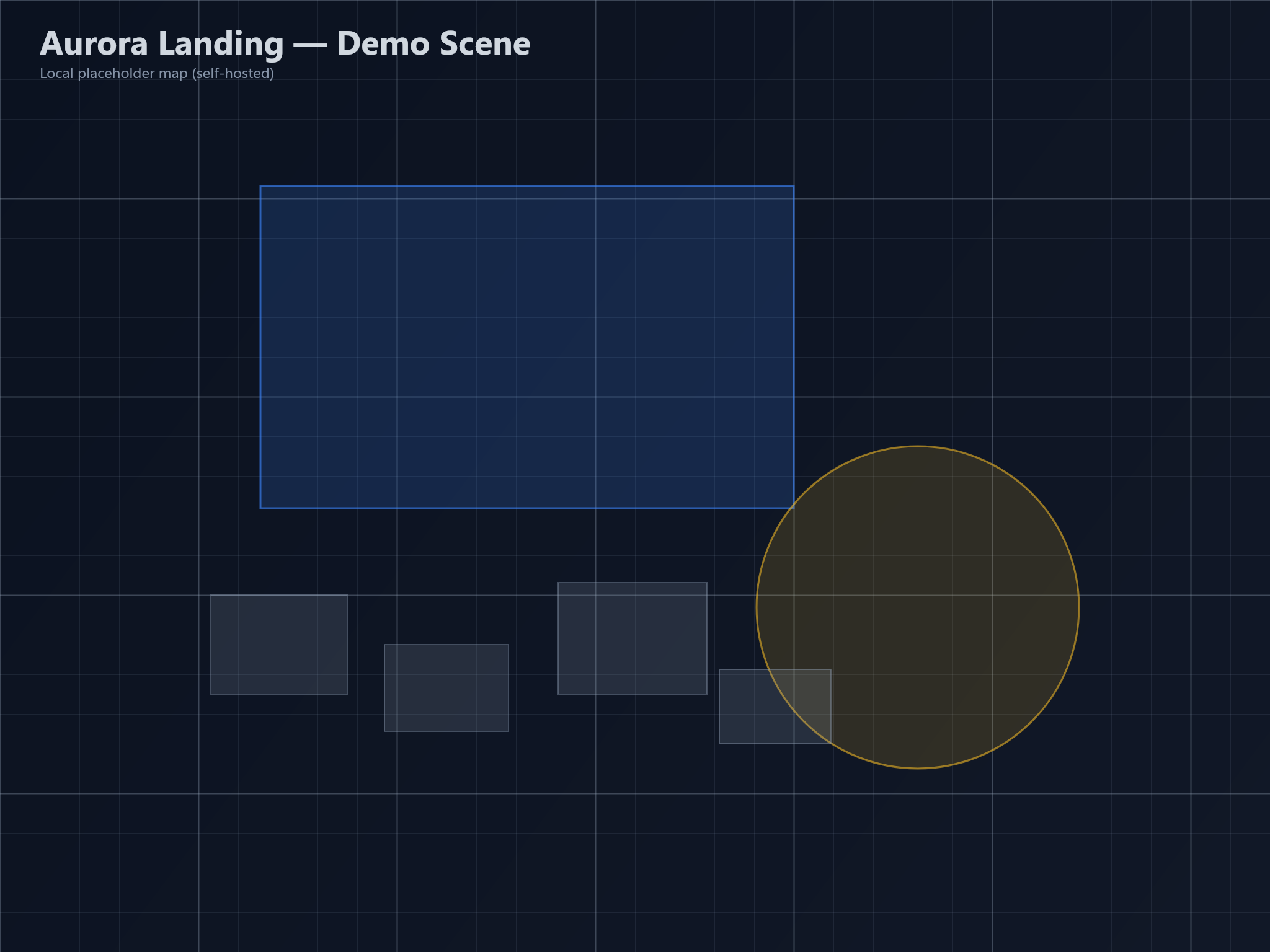
Aethera VTT demo map with a town square, water, and encounter space.
Browser tabletop Use maps, tokens, walls, fog, lighting, and campaign controls in the same session.

Animated-map playback

Host scenes with browser video backdrops, then layer tokens, journal notes, walls, fog, and lighting on top of the same map.

Animated-map overview

This page covers animated-map support, host-plan limits, and the steps for starting a VTT campaign.

Ready for host plans

Start free, compare host plans, and upgrade when you need larger storage or heavier animated-map campaigns.

What the flow looks like

Create an account, choose a host plan if needed, and open your campaign.

1

Create the account

Create an Aethera account, then open the VTT launcher.

2

Choose the host plan

Pick the VTT plan that matches storage and animated-map needs for your campaign.

3

Launch the world

Open Aethera VTT in your browser, create a campaign, and invite players to the same table.